
Colour, sound, text & effects
The finishing tools live in the same window as the cut, so you can grade a shot, fix its sound and title it without leaving the timeline.
Colour
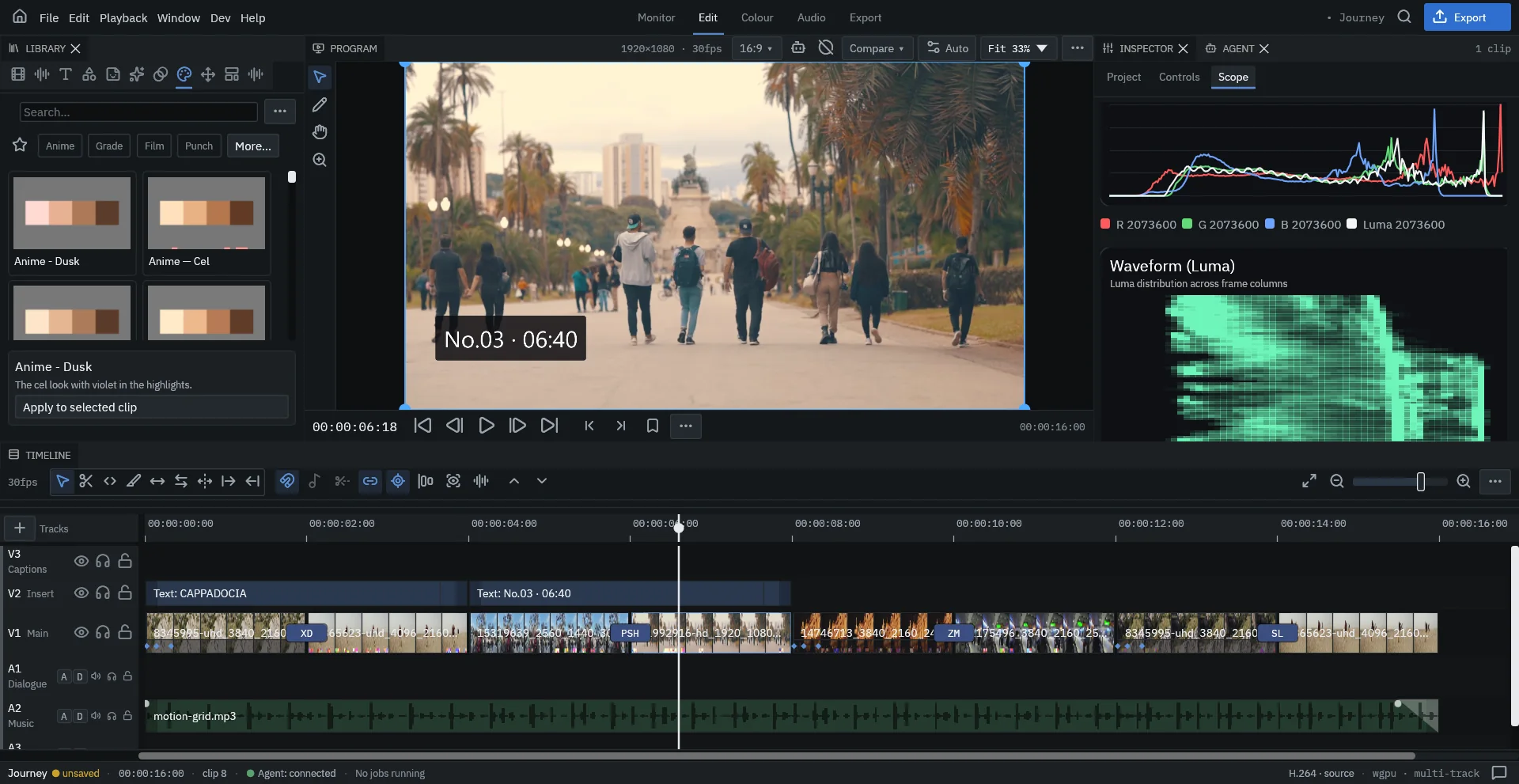
- Looks: drag a look (Anime, Grade, Film, Punch…) onto a clip, or select a clip and press Apply to selected clip.
- Colour wheels, curves and LUTs for lift, gamma and gain; Match color to reference matches one shot to another.
- Scopes: histogram, luma or RGB-parade waveform and vectorscope, computed on the GPU.
- Shift+B bypasses the grade so you can compare before and after.
- HSL qualifiers and masks limit a grade or effect to part of the frame.
Audio
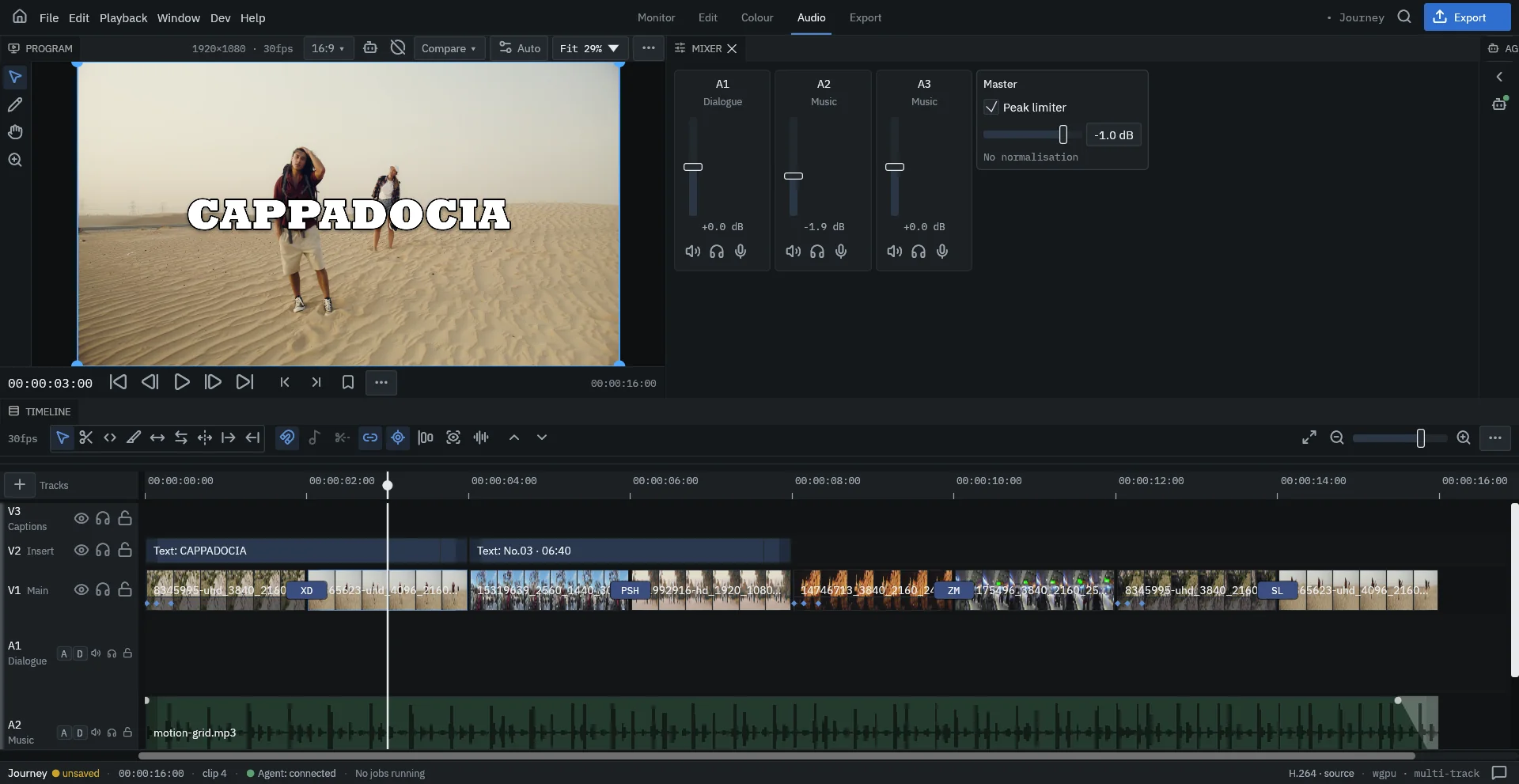
- Clip levels and fades on the timeline; a fader, mute and solo per track in the mixer.
- Denoise, noise gate, EQ, compression, de-essing, reverb, pan and stereo width per clip.
- Auto-ducking lowers music under dialogue.
- A master peak limiter and a loudness target for each platform (set in the Inspector's Project tab).
- A library of sound effects for whooshes, impacts and UI sounds.
Titles and text
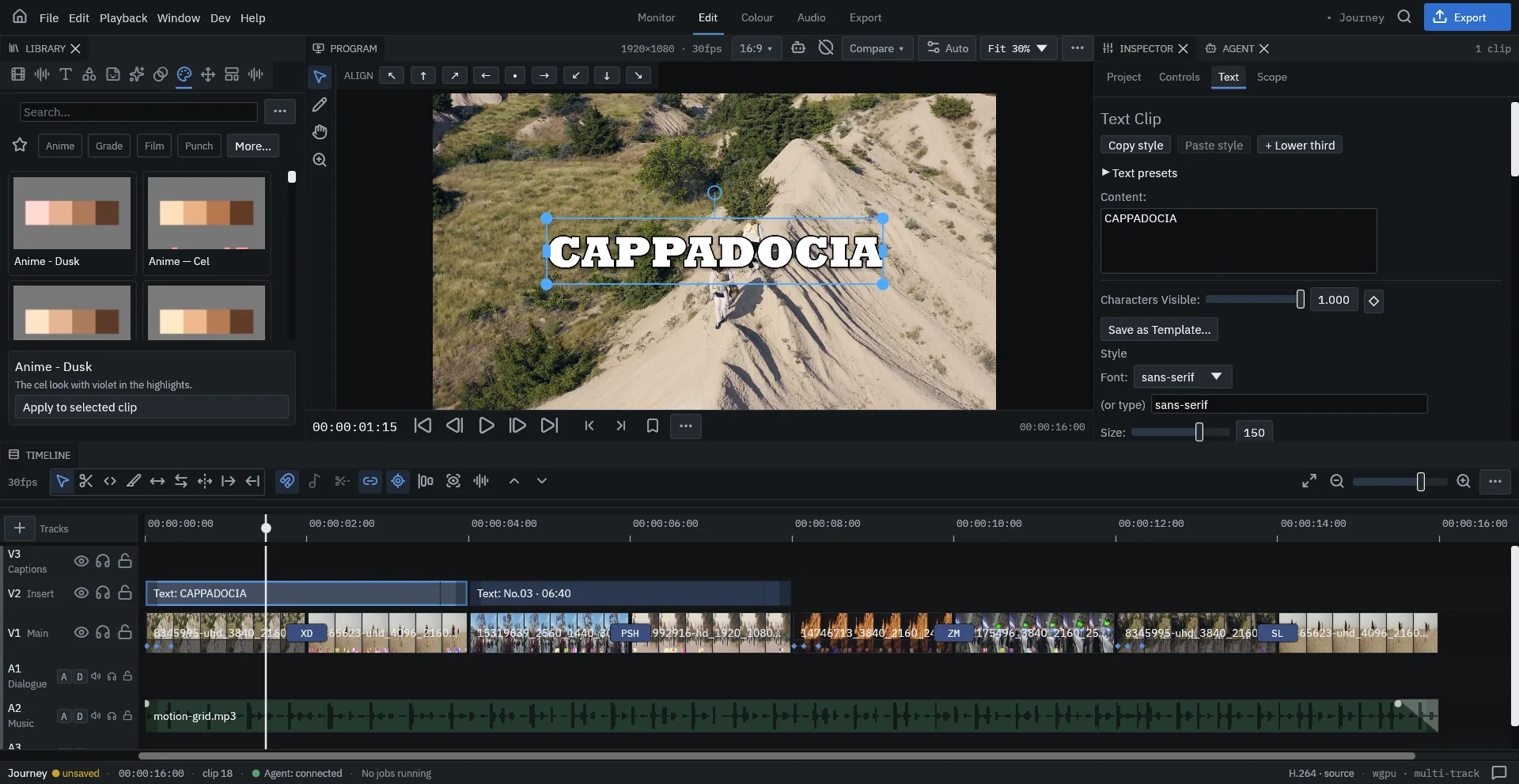
- Any installed font, size, weight, tracking and leading; stroke (several stacked), gradient fill, glow, shadow, box and highlight.
- Styled runs inside one title, text on a path and 3D extrusion.
- Reveal and idle animations by character, word or line, with keyframes for every value.
- Typography presets and lower thirds; Save as Template… keeps your own.
Captions
Captions → Auto-caption timeline transcribes speech on your machine and turns it into caption clips you can restyle in one go. You can also import and export SRT files.
Lyric Scene
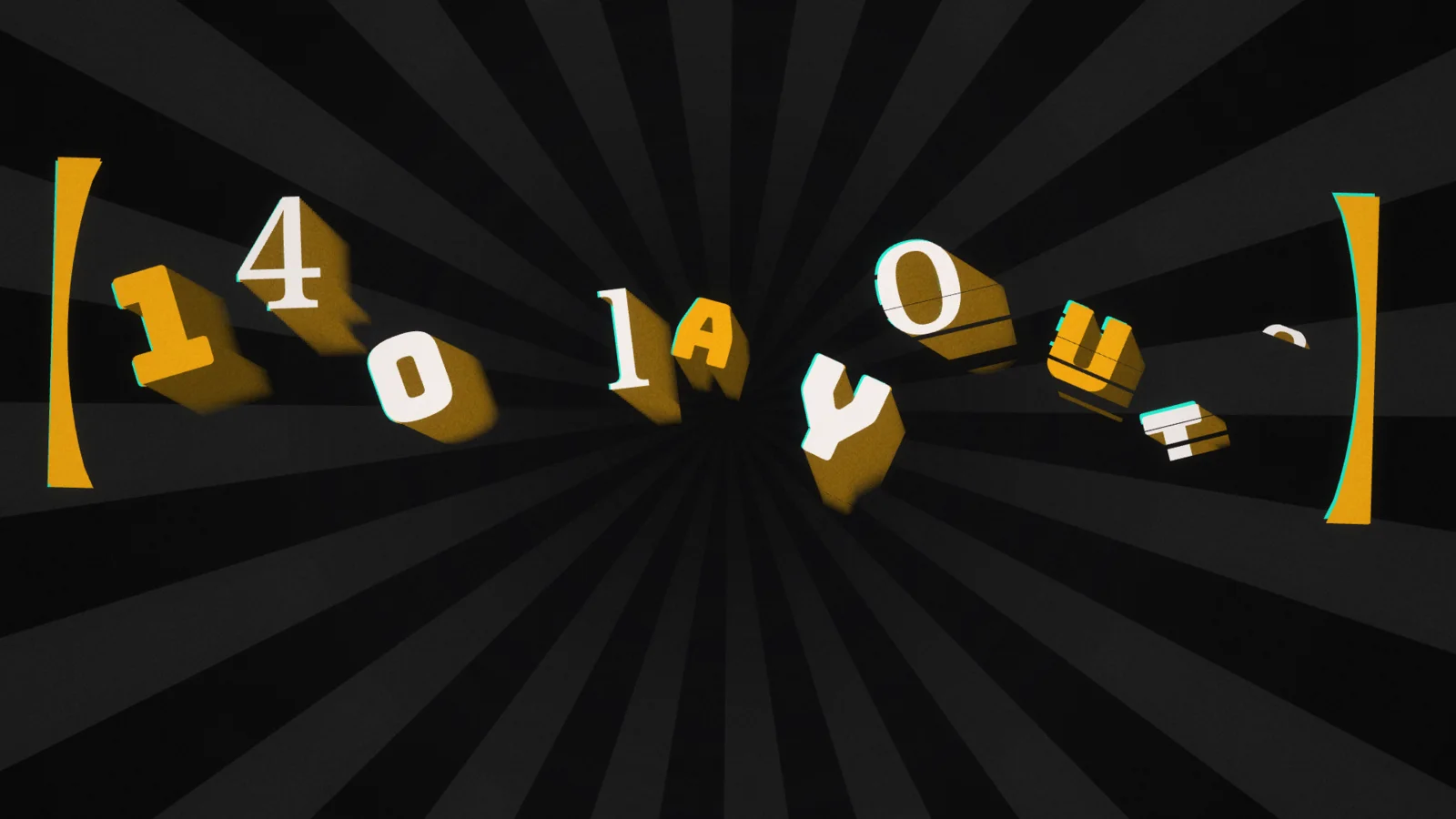
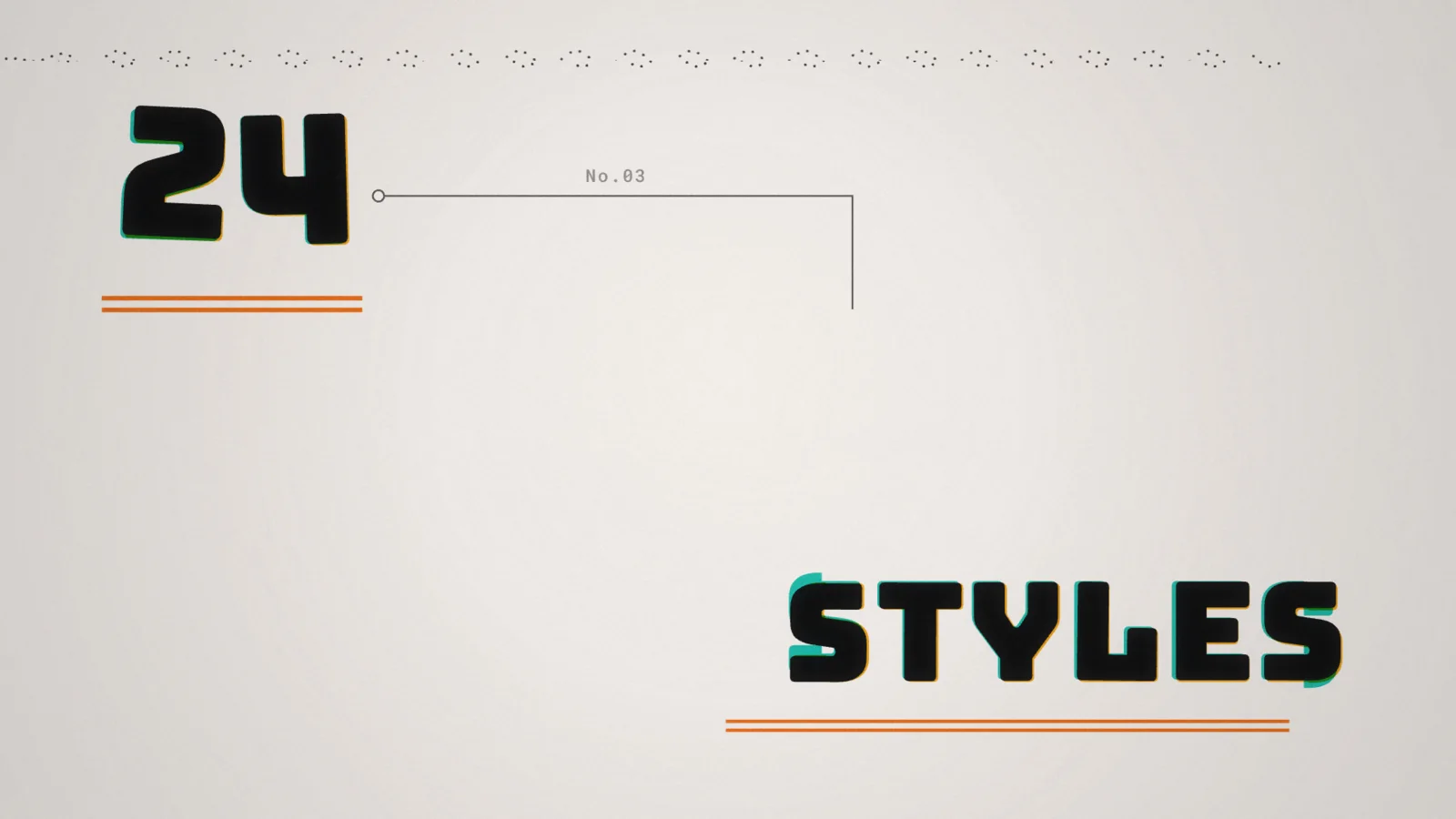
A lyric scene turns song lyrics into a kinetic-typography video in one clip. Every line gets its own layout, entrance, hold and exit, on a style's colours, fonts, decoration and camera — 140 layouts and 24 built-in styles. Paste the lyrics or take them from a caption track, then re-roll, lock or force a layout line by line in the Lyrics tab.
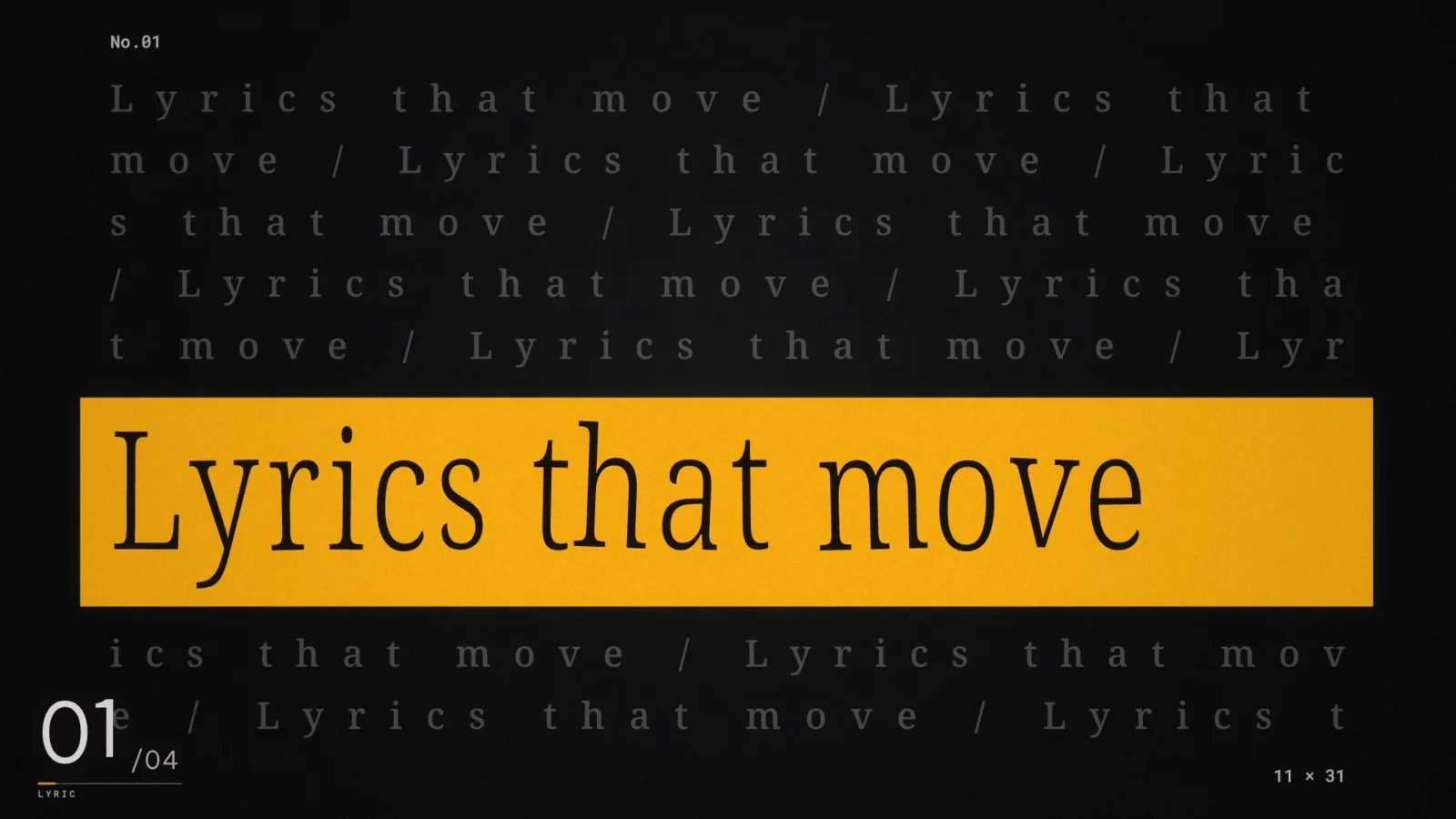
The Lyric Scene engine is a Rust port of JIZURA by hakoniwa (MIT License, © 2026 hakoniwa), plus a few parts of Dragon VE's own.
Effects, masks and compositing
- Blurs, glows, distortions, film grain, halftone, chromatic aberration, light leaks and more — drag them from the Library and tune them in the Inspector.
- Rectangle, ellipse and drawn path masks (P on the viewer), with feather and keyframes; a mask can apply to a single effect.
- Blend modes, subject cutouts and text behind a subject; motion tracking to pin graphics to the scene.
- Generated layers: shapes, elements, VFX and an audio visualizer.
- A preset library of transitions, typography, elements and motion you can drop in and adjust.